
Samsung makes some of the most feature-rich smartwatches on the market and continues to add capabilities to its One UI Watch apps. The company has now added a useful new feature to Samsung Browser on Galaxy Watches.
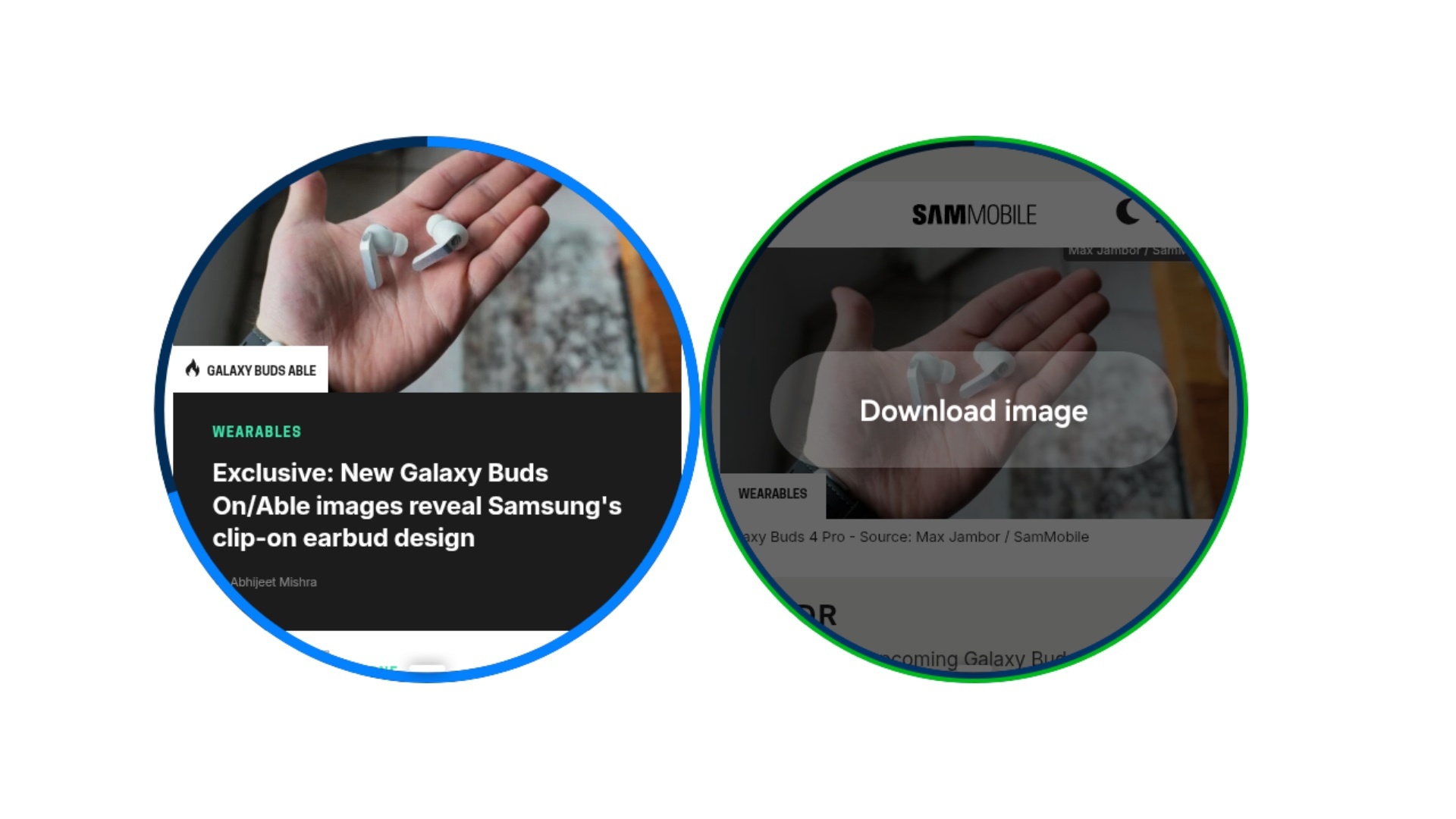
With the latest version of Samsung Browser on Wear OS-powered Galaxy Watches, you can download images from webpages. When you find an image, press and hold it to reveal a new Download Image button. You can view downloaded images in the Downloads section on the app's home page.

One limitation we noticed is that the feature does not work until the webpage has fully loaded, even if the image you want to download has already appeared. Hopefully, Samsung will address this issue in a future version of Samsung Browser.
The feature supports PNG, JPEG, JPG, and GIF images, with a maximum file size of 10MB.


Post a Comment